
Dashboard


Installation informations
Step 1 : Copy the code.
Step 2 : Paste the code on <head> of everypage of your website you want to protect.
Step 3 : Click on the "Activate protection" to lock the website.


Protection settings

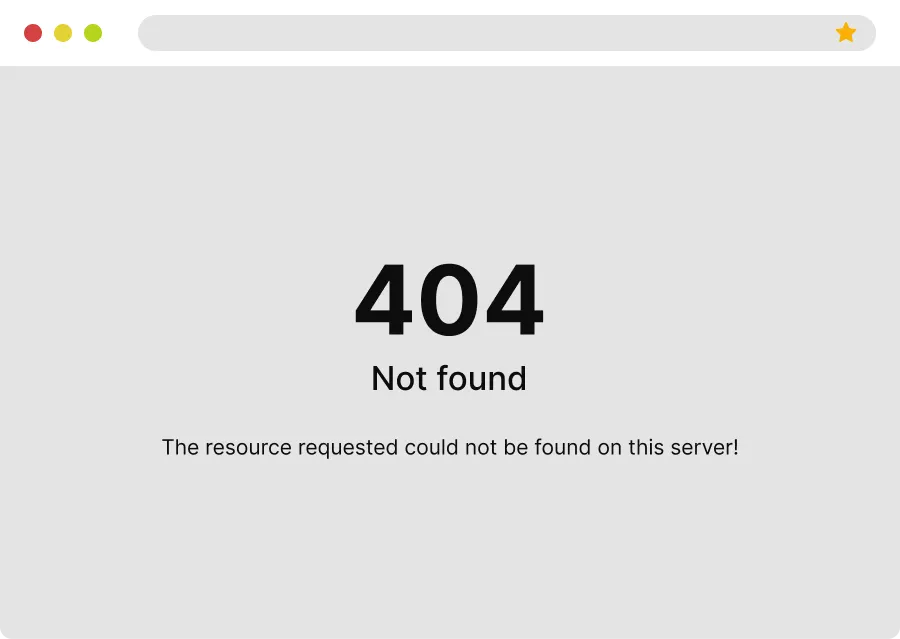
404 Error
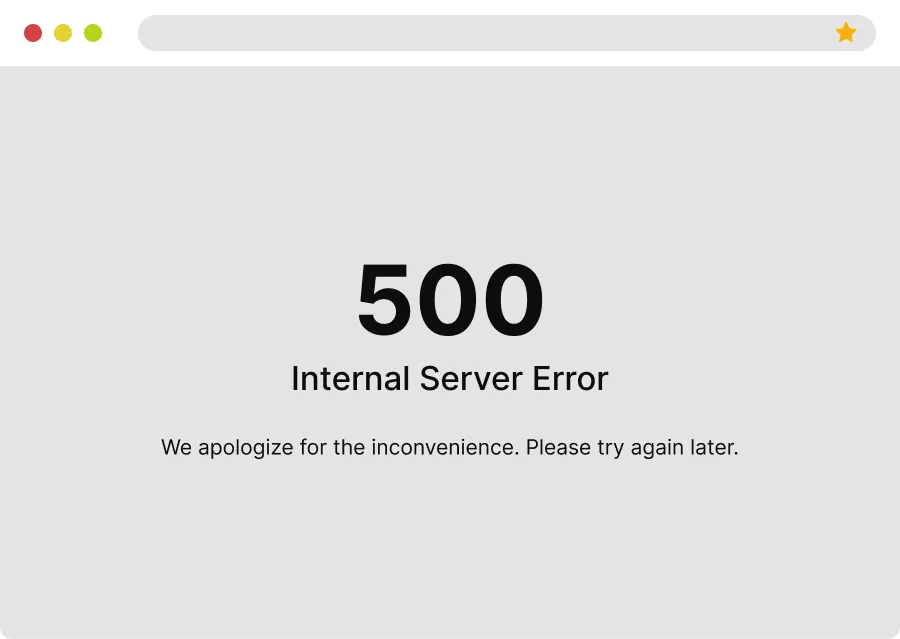
500 Error
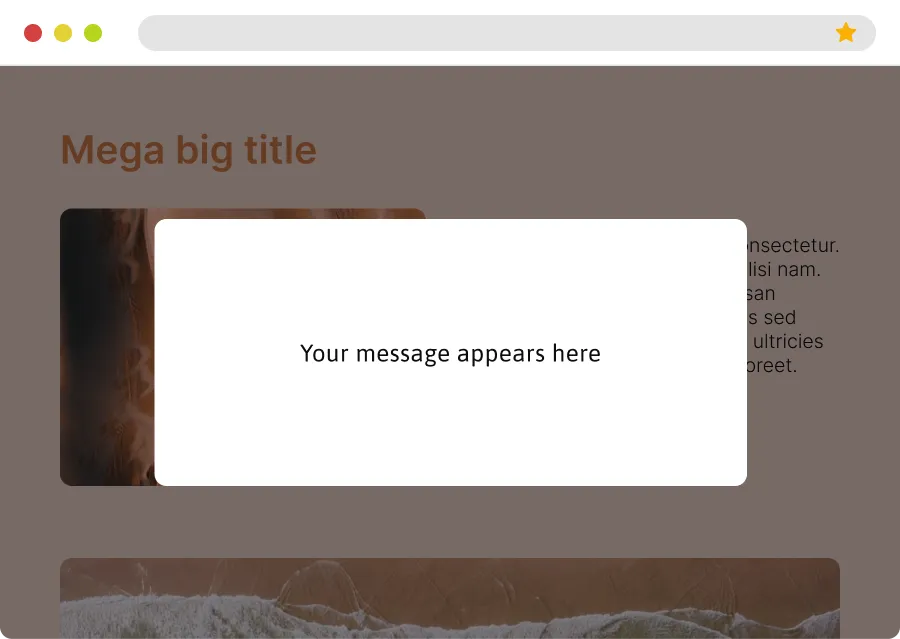
White page
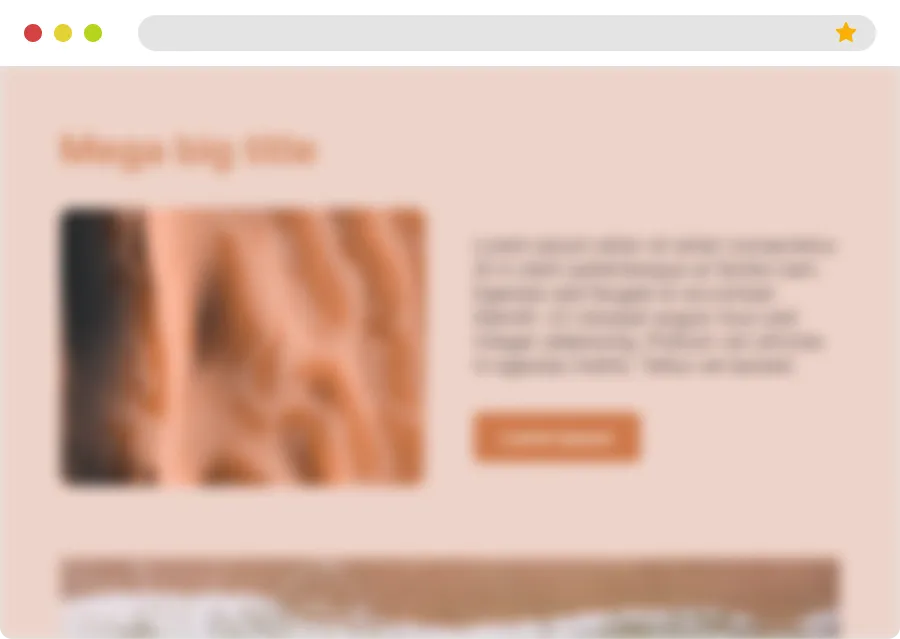
Blur


Archive this website?
Archiving this site will permanently disable the protection script. You will no longer be able to control or reactivate its protection. You should wait until your client has paid 100% of what he owes you before archiving the site.
This action cannot be undone.
Delete this website?
This site has not been activated yet. Deleting it will remove it from your dashboard, but you can always add it again later if needed, by clicking “Protect a website” button.
Activate this protection?
Activating the protection will impact all site pages on which the script is installed, instantly.
You can deactivate/reactivate protection at any time.
You can update protection settings even while protection is active.